Skip to content
The Baseline · Everyday teaching

The operational backbone, done properly.

Scheduling, attendance, homework, an error logbook, parent communication, recorded lessons and a living student record — all in one connected console.

Explore six product views below. Select a capability, then open its screen at full size.

Walk the six capabilities
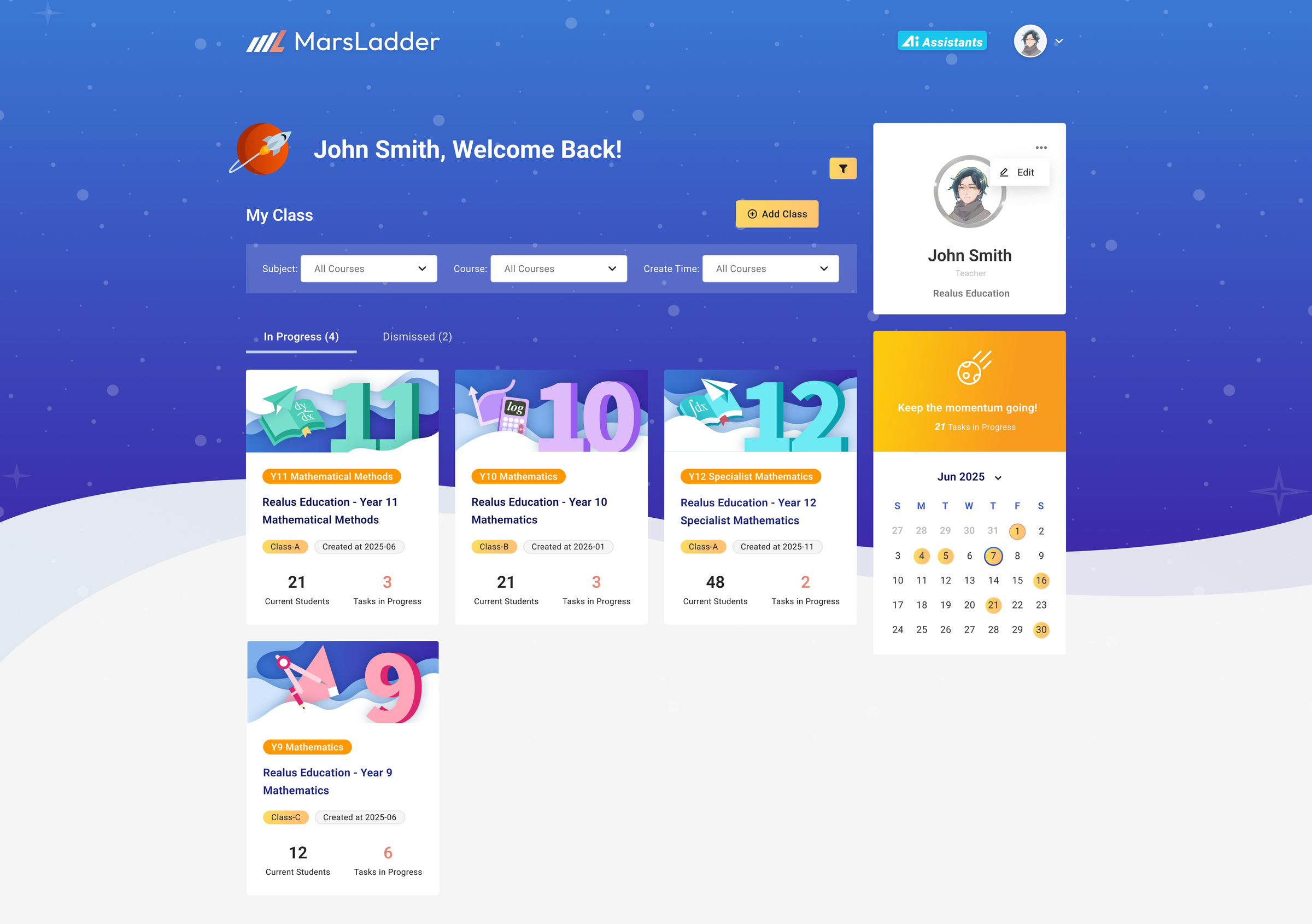
MarsLadder teacher dashboard — every class, the term calendar and the roster on one command surface
Six capabilities · one console

Choose a capability. See the product in context.

01 · Class & campus operations

Run the centre, not a spreadsheet.

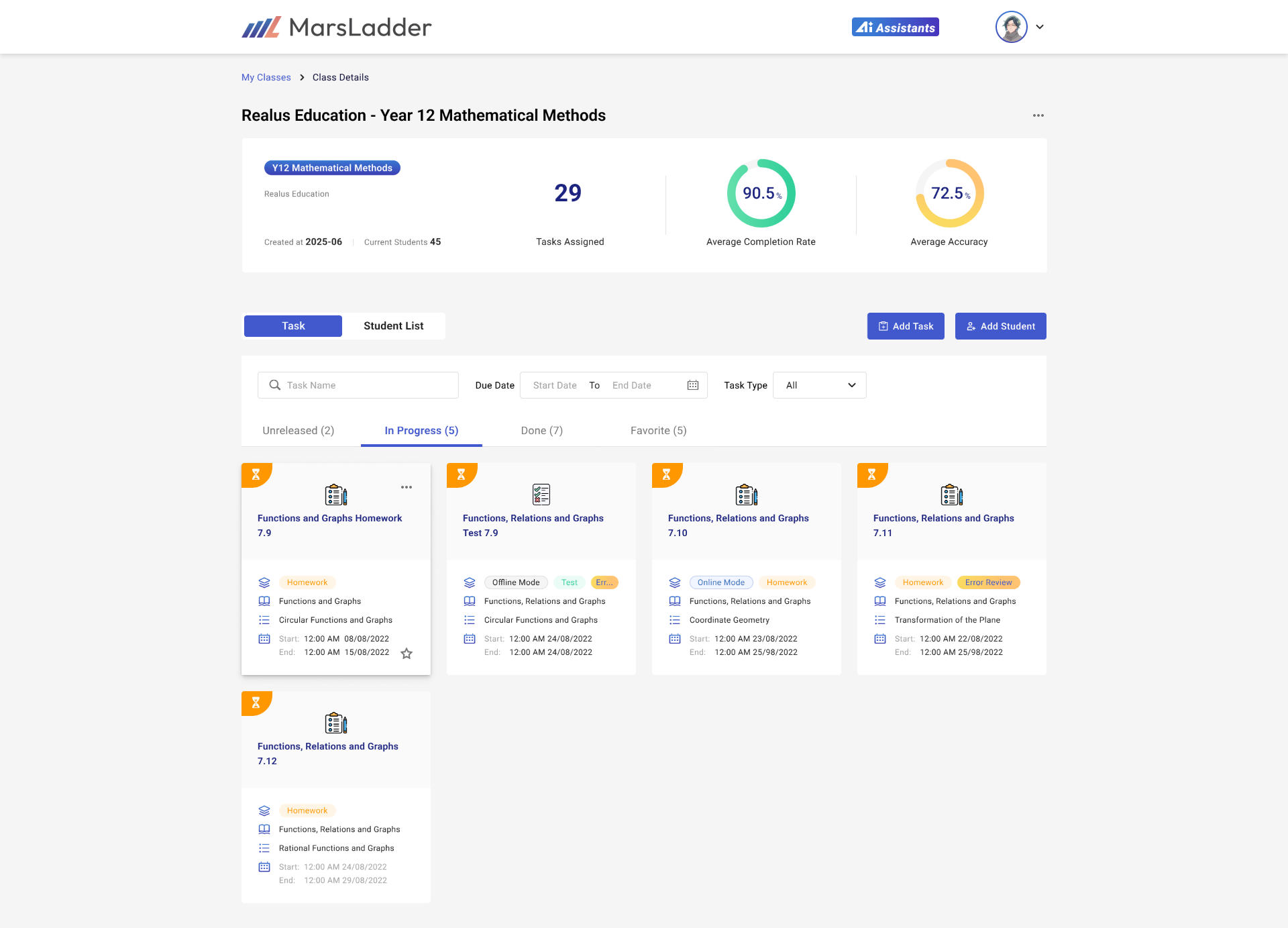
Manage classes and campuses from one console, with the people, timetable, attendance, recordings and shared materials kept together.

Across campuses, classes & roles
Timetable, attendance & a term rate parents see
Recordings + shared notes, worksheets & solutions
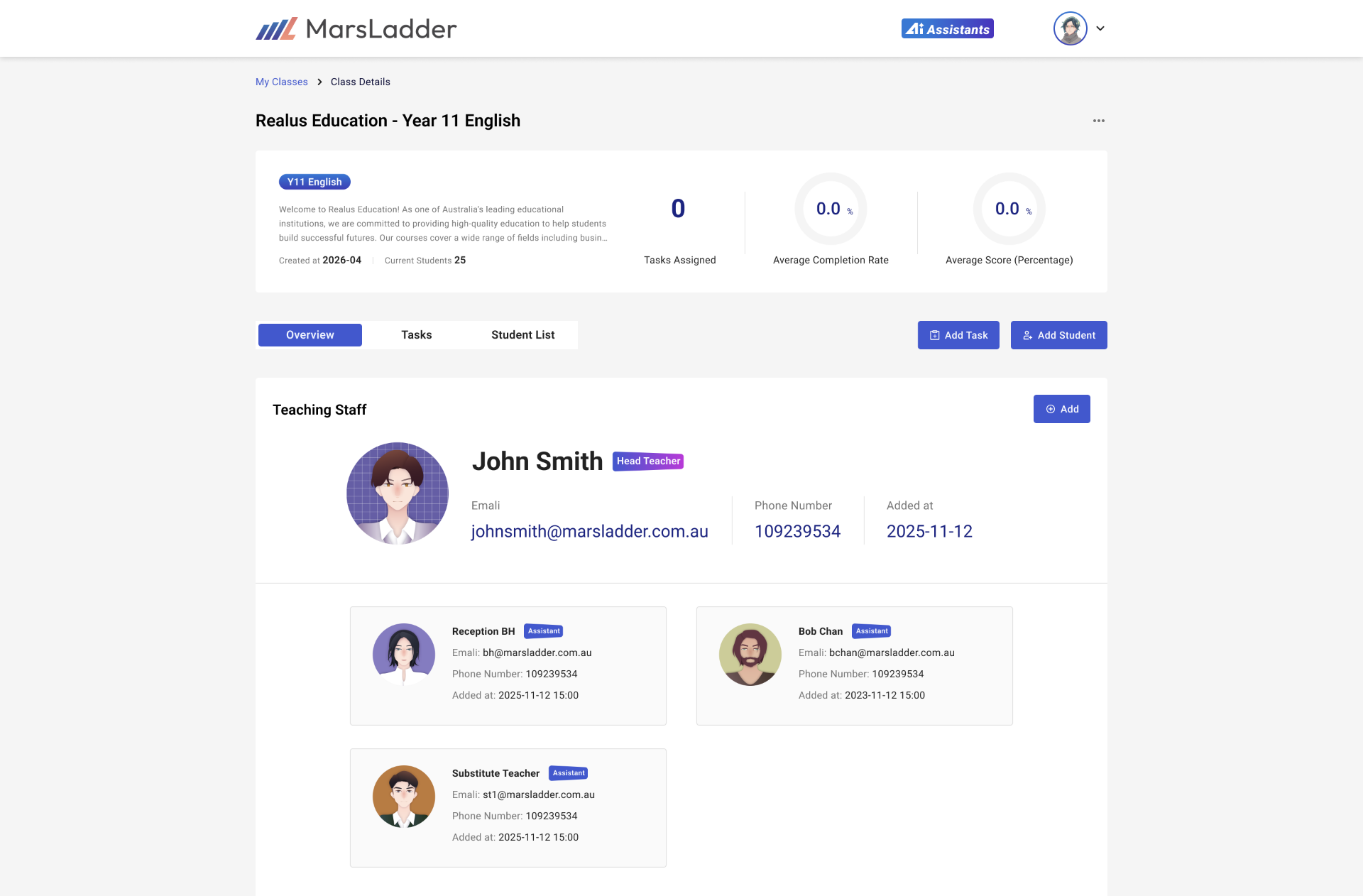
Class details — head teacher and assistants, roster and class roles in one place
One system, not separate tools

Everything writes to the same record.

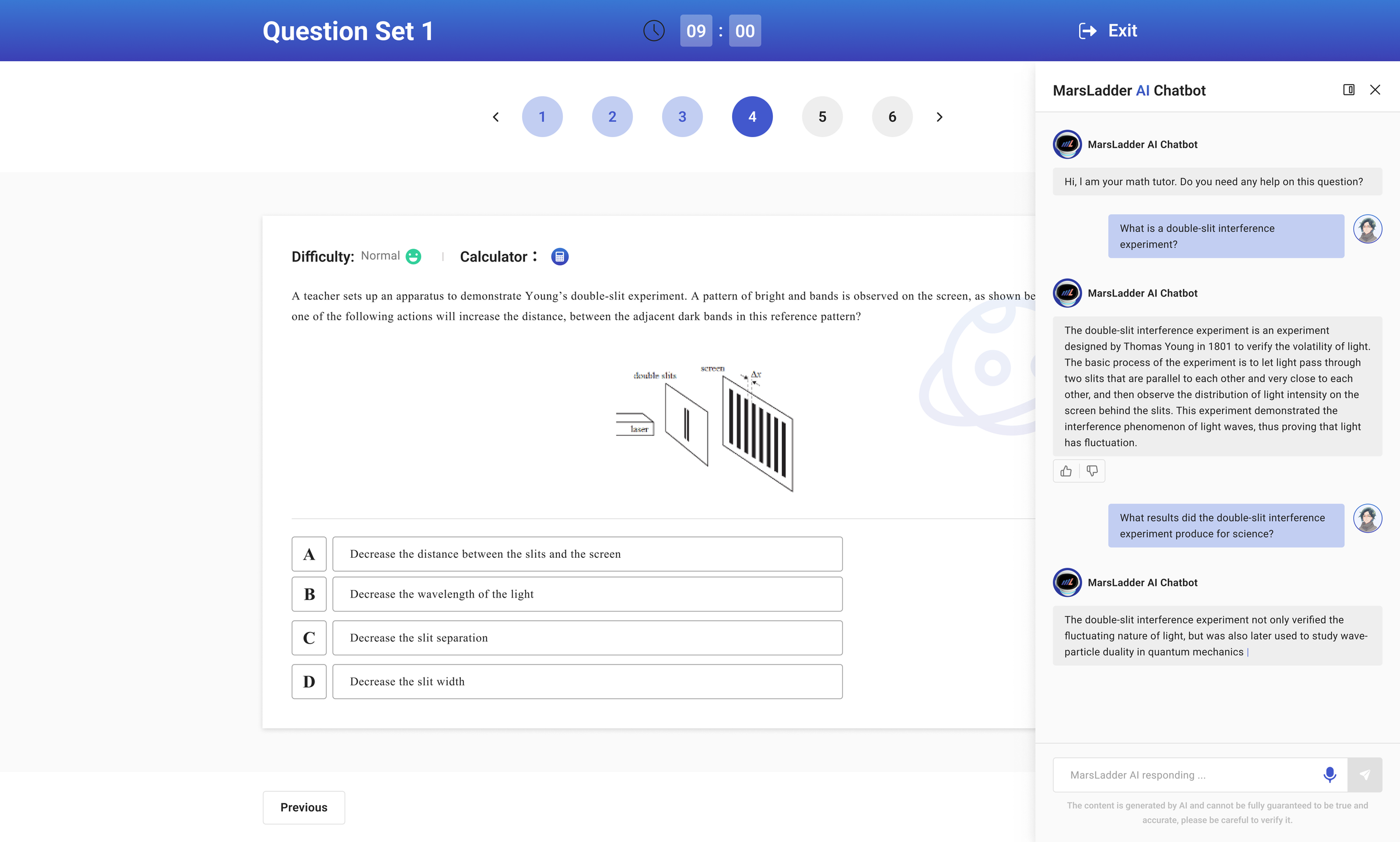
Not separate apps bolted together. Every capability reads from, and writes to, one living academic profile — which is exactly what the map and the tutor grow from.

The living academic profile
READS & WRITES · ONE RECORD
Class & campus ops
Homework & tasks
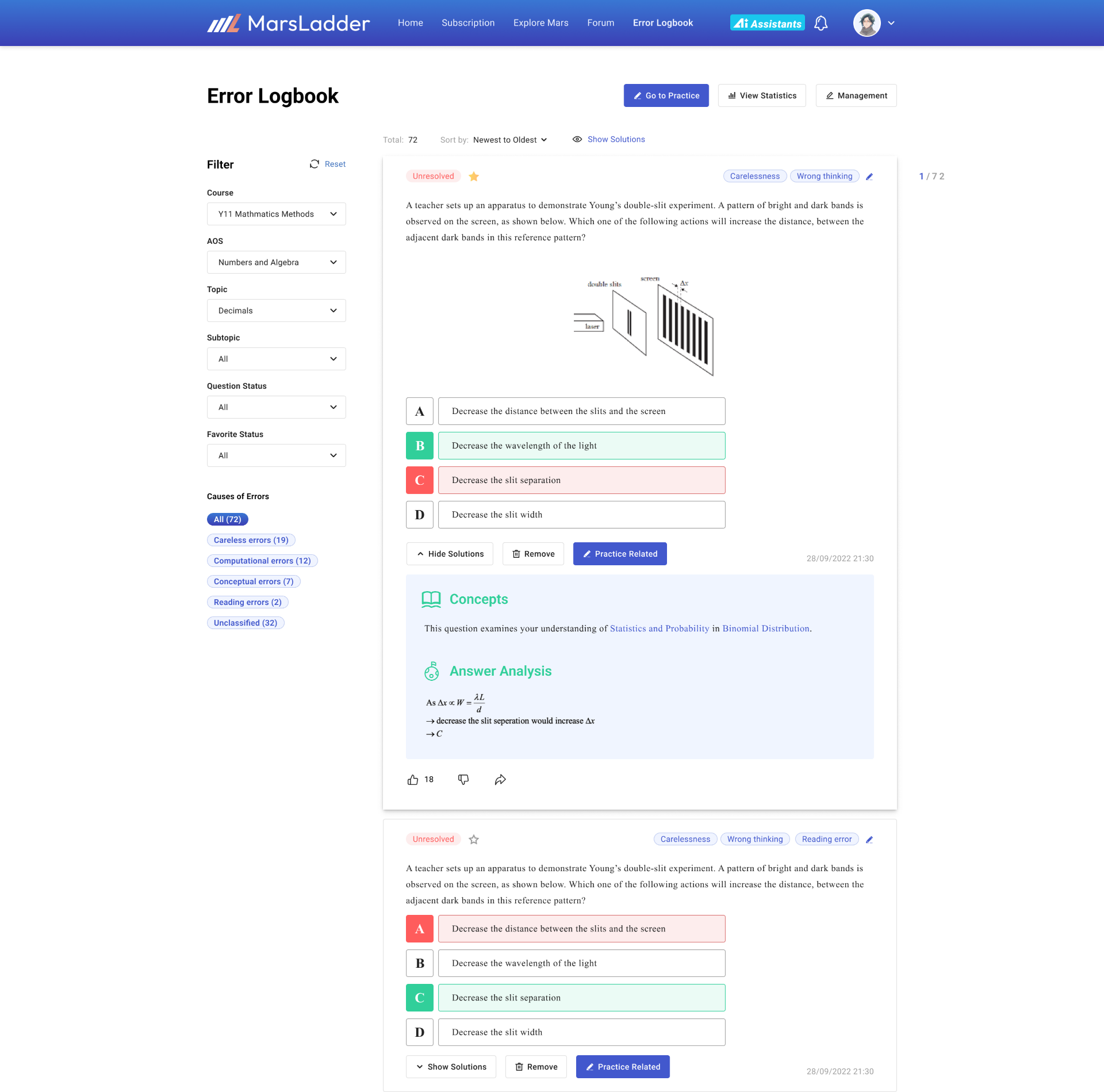
Error logbook
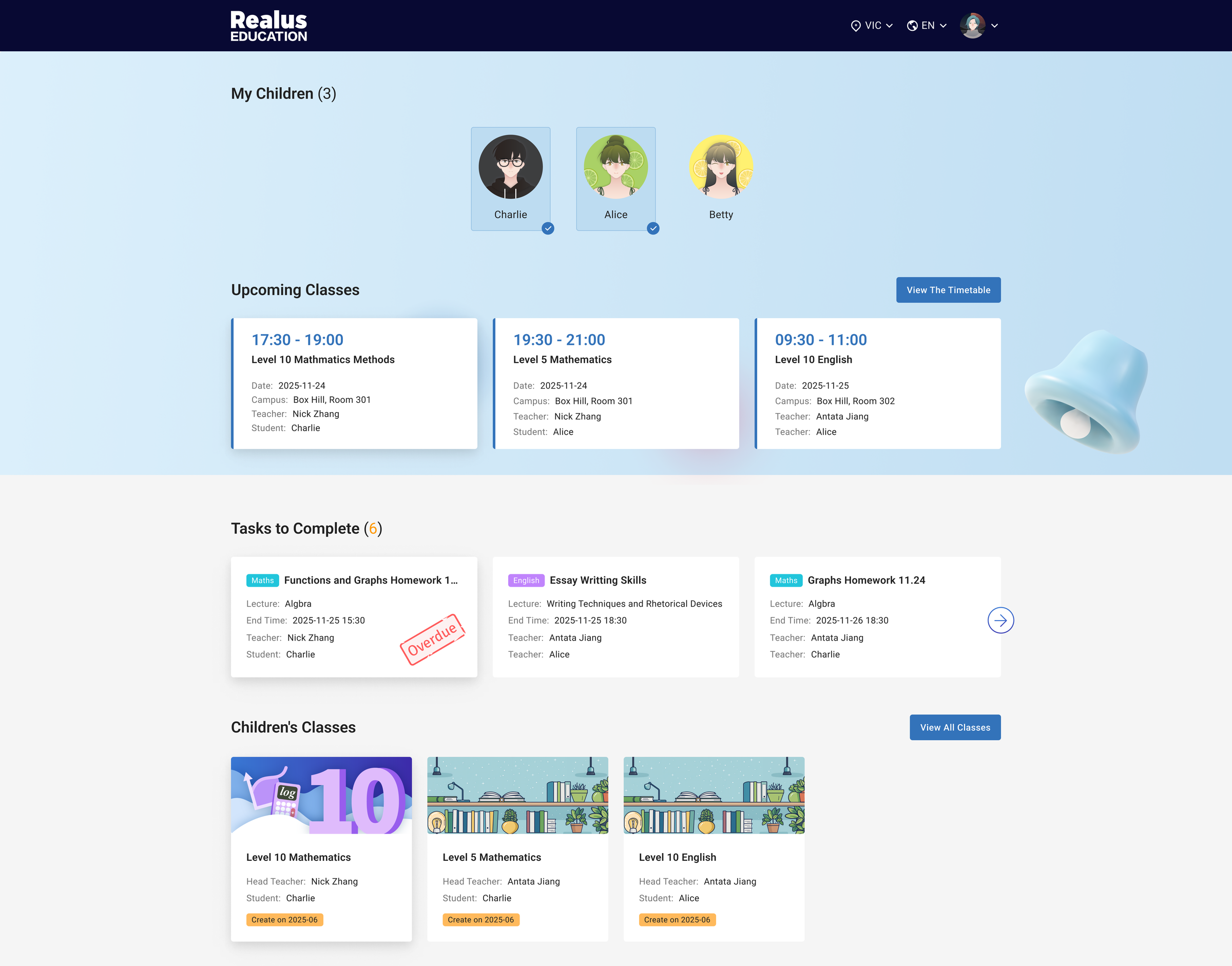
Parent visibility
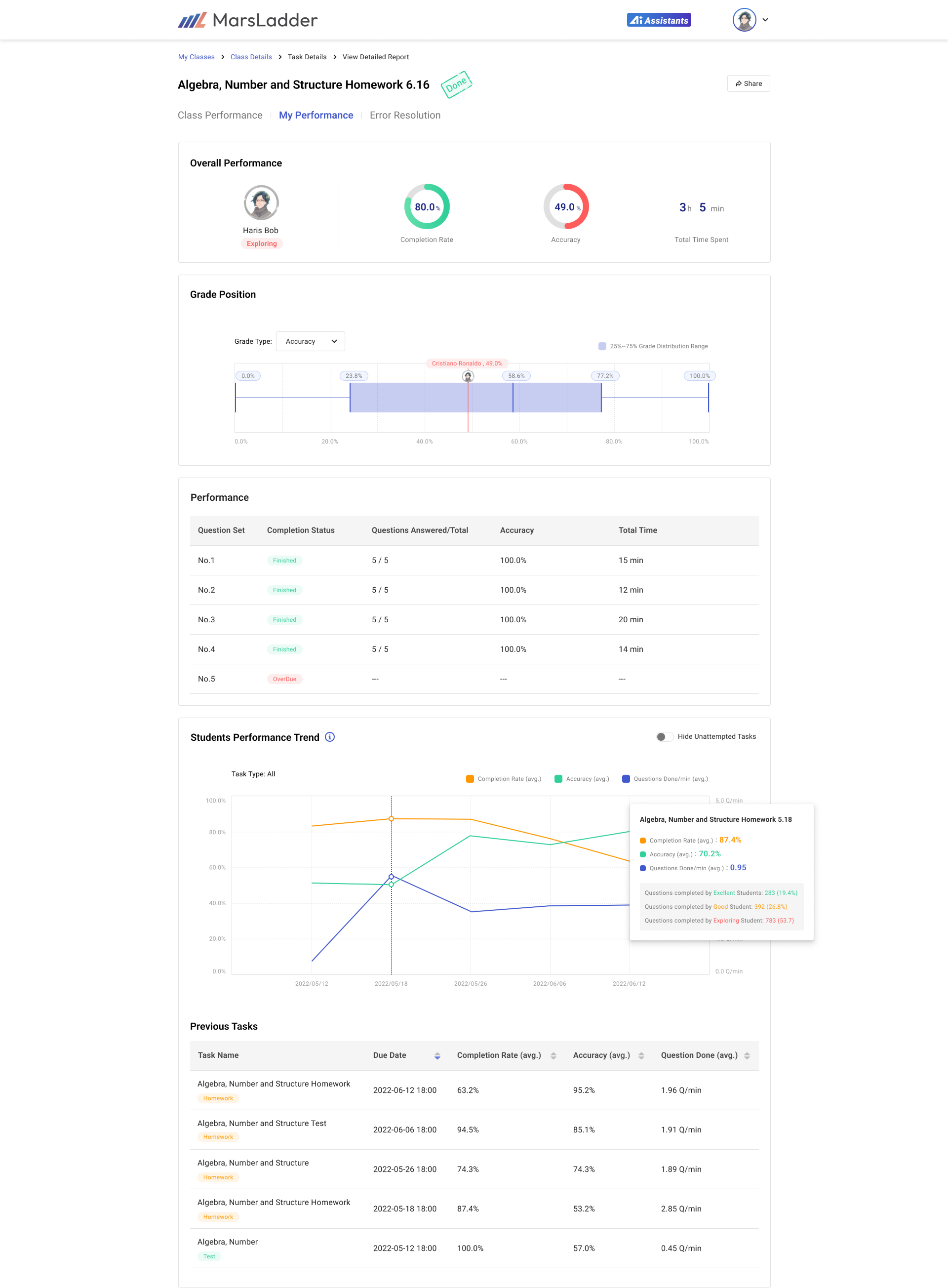
Student profiles
AI assistant
Shown, not taken on faith

Every one of these is a live product surface — running in real Melbourne classrooms.

The everyday, handled in full. That's what earns the right to talk about what comes next.

MarsLadder

The basics are covered.

The error logbook is the seed. The living record is what the map and the 1-on-1 tutor grow from.

Get started See the knowledge mapMeet the 1-on-1 tutor
Data security, privacy & complianceCurriculum-alignedTeachers in the loop